Click each image to zoom
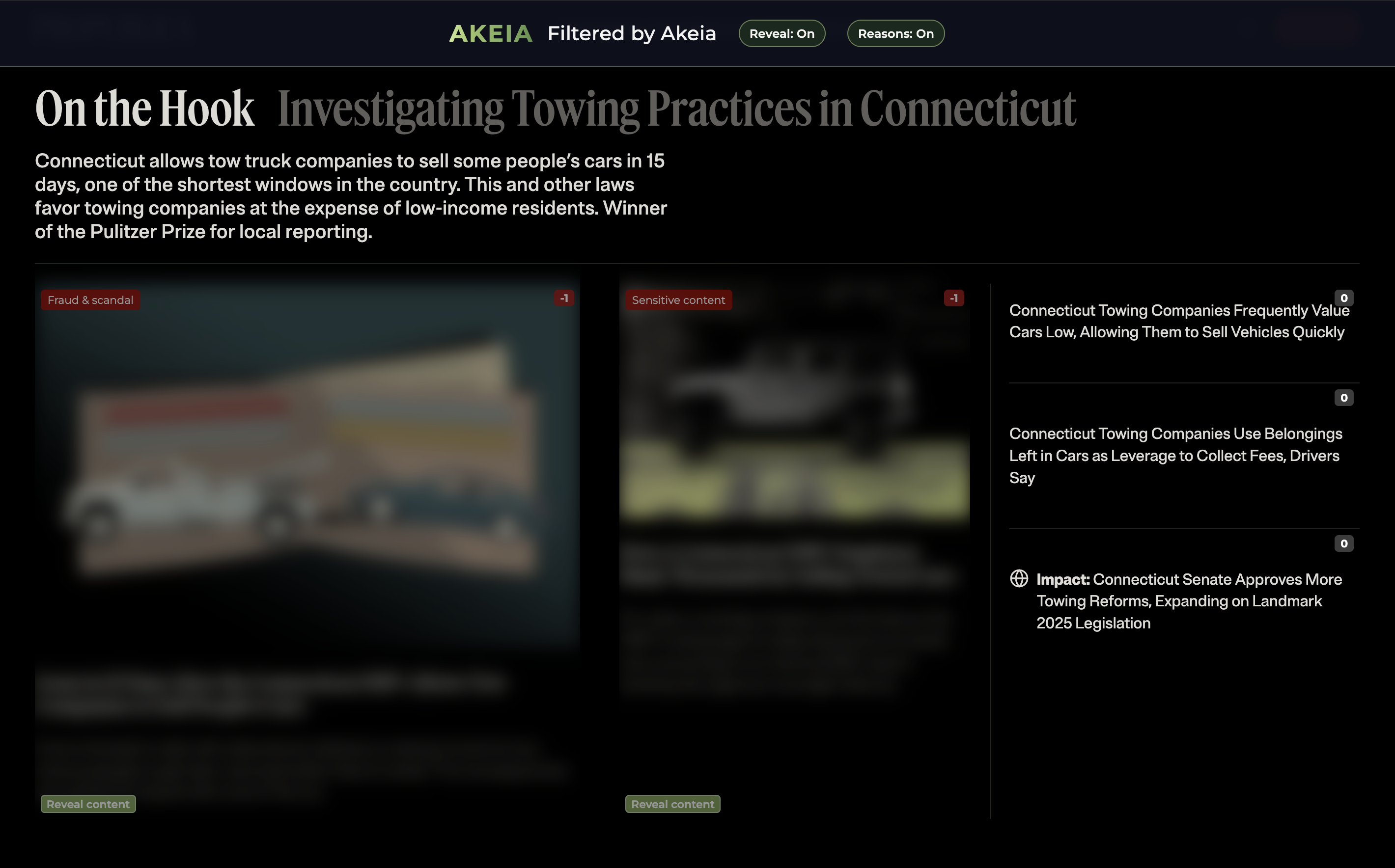
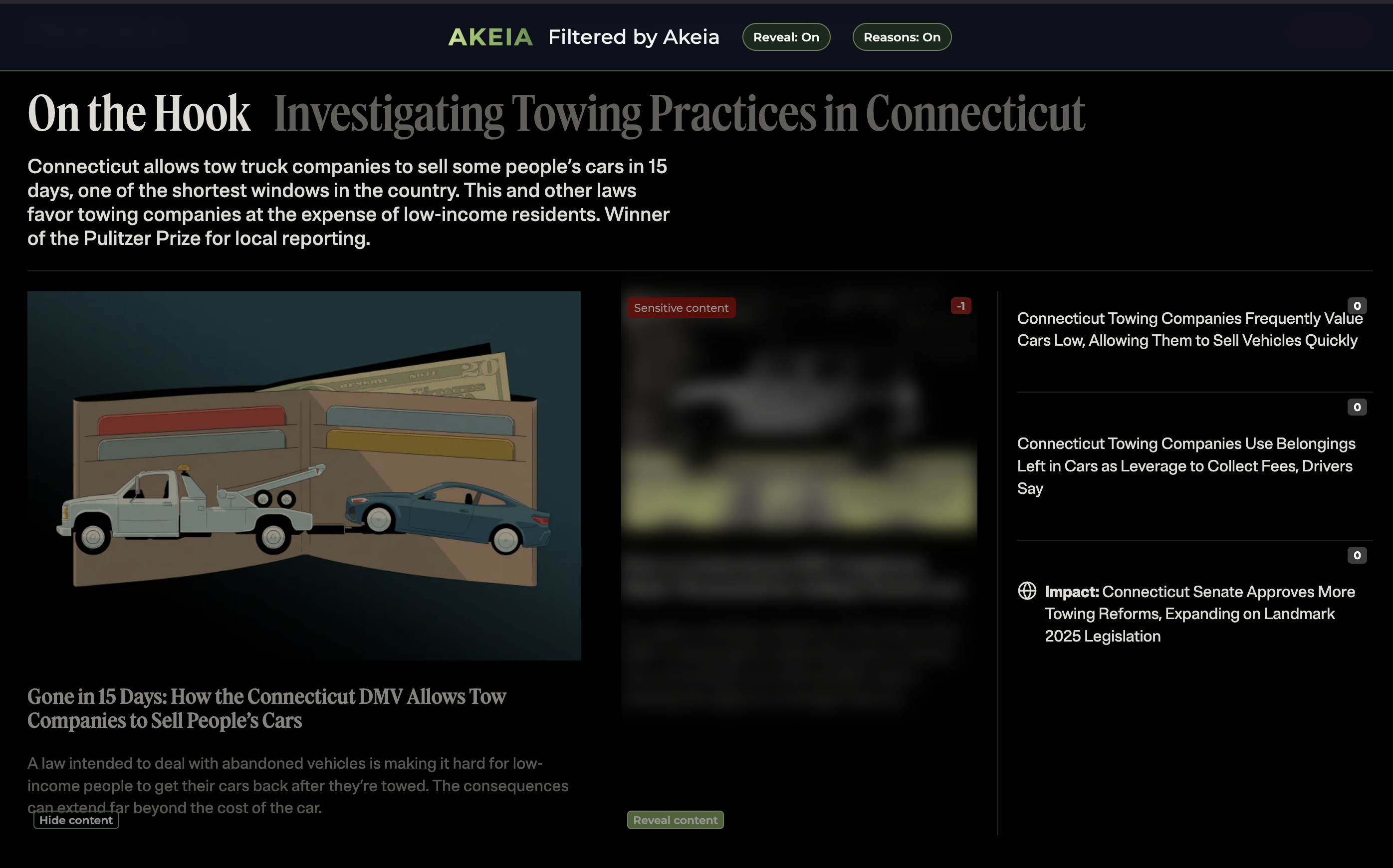
Akeia applies per article sentiment analyis and applies blur and category to each article.
See how our platform works in practice through demo videos, screenshots, workflow examples, and product walkthroughs.
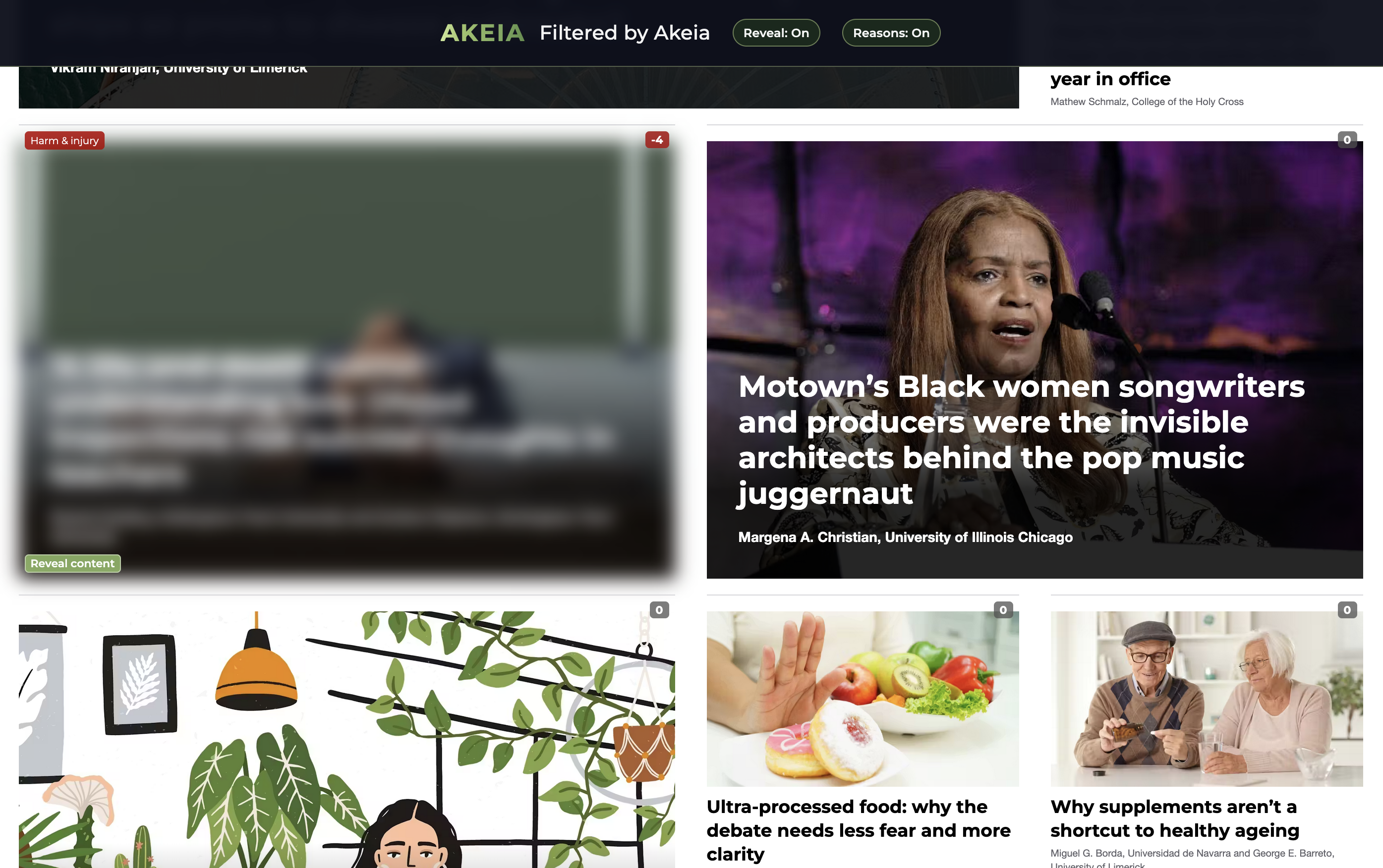
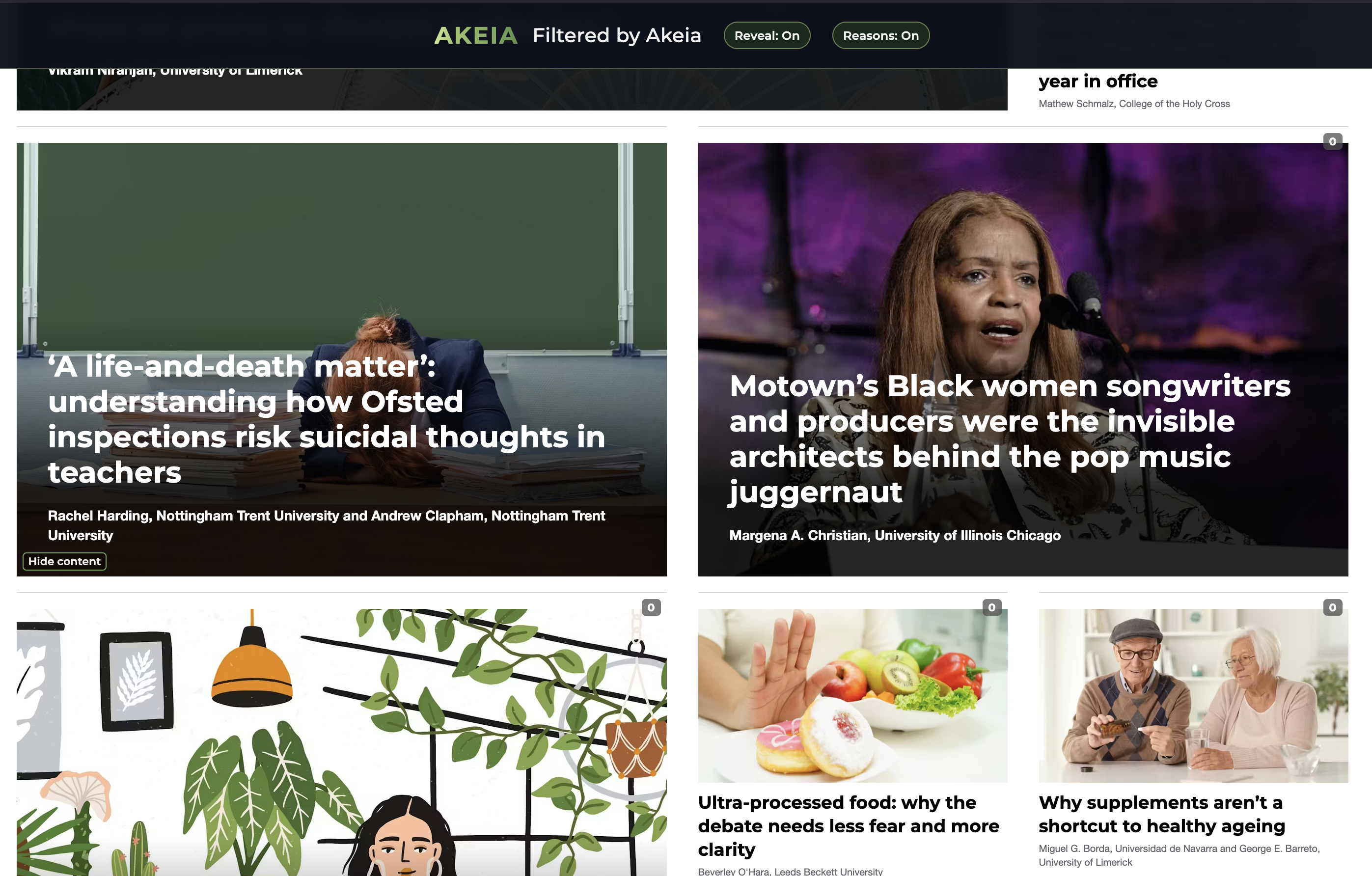
Below are examples of Akeia in action showing Scoring, Categorisation and Filtering (Blur) per article, and example controls.
Click each image to zoom
Akeia applies per article sentiment analyis and applies blur and category to each article.
Click each image to zoom
Akeia allows, depending upon policy, the ability to Reveal Content if required

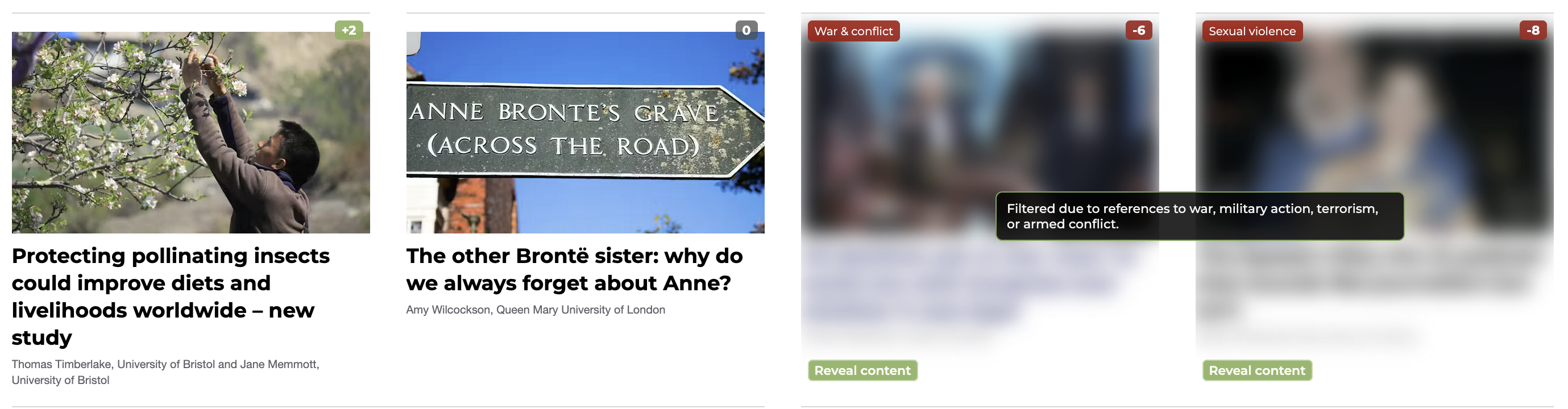
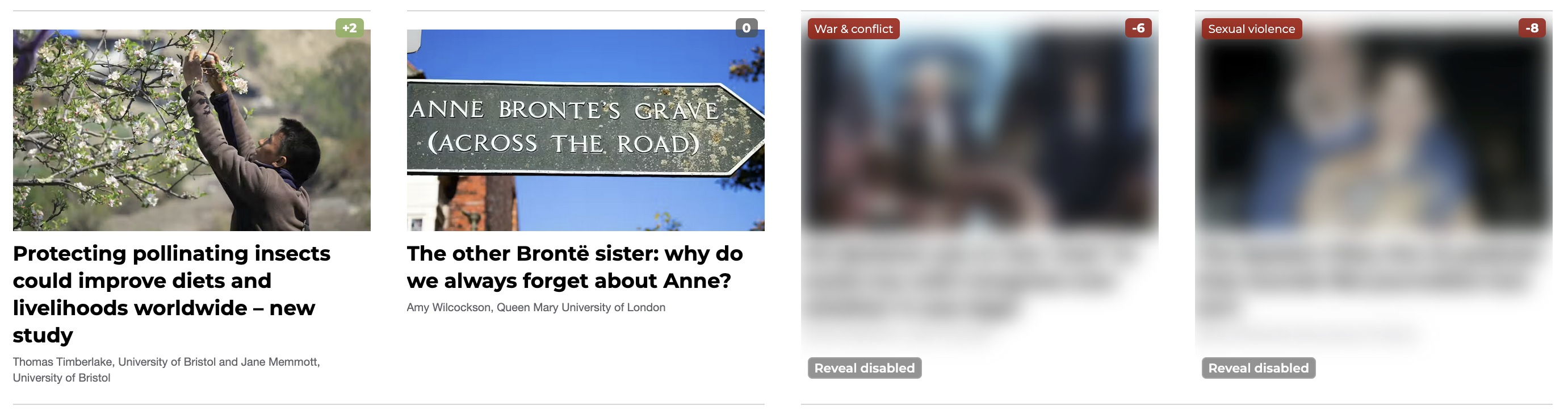
Click each image to zoom
Example controls including Banner Controls, Tooltips, Advert Removal and Reveal-disable policy behavior. Fully customisable.
Watch platform overviews showing how Akeia scores, categorises, and filters negative sentiment during real browsing scenarios.
A high-level walkthrough of how Akeia helps organisations improve digital wellbeing by proactively blocking negative sentiment before it disrupts the browsing experience.
Playing loads content from YouTube. Privacy Policy
A more technical look at how Akeia detects negative sentiment, applies categorisation, and enforces blocking policies across live web content.
Playing loads content from YouTube. Privacy Policy
View all walkthroughs on YouTube — Akeia In Action playlist